
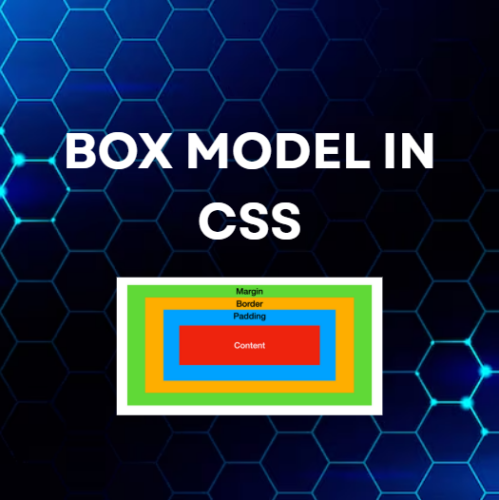
Box Model in CSS web design ka ek important concept hai jo har HTML element ko ek box ke form me represent karta hai.
Har element ek box hota hai jo 4 parts se milkar bana hota hai:
- content
- padding
- border
- margin
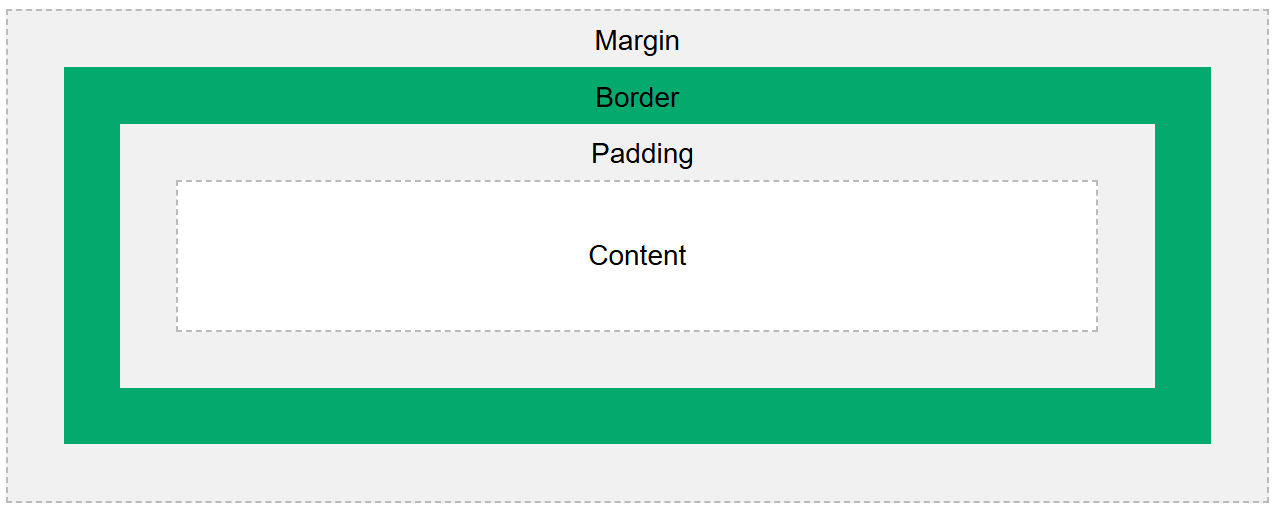
Table of Contents
ToggleBox Model in CSS – Structure
Box Model in CSS ke parts andar se bahar ki taraf is order me hote hain:
- Content → yahan text ya images show hote hain
- Padding → content ke around space (transparent hota hai)
- Border → padding aur content ke around line
- Margin → border ke bahar space (transparent hota hai)
Ye model hume elements ke around spacing aur borders control karne me help karta hai.
Box Model in CSS – Example
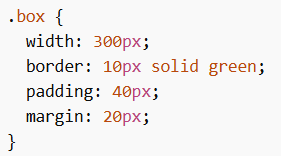
Is example me:
- content width = 300px
- padding = 40px
- border = 10px
- margin = 20px
Width and Height of an Element
Box Model in CSS samajhna important hai jab hum width aur height set karte hain.
Important Point:
Jab tum width aur height set karte ho, wo sirf content area par apply hota hai.
Padding aur border usme add hote hain.
Total Width and Height Calculation
Example:
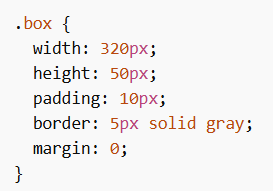
Total Width Calculation
- Content width = 320px
- Left + Right padding = 20px
- Left + Right border = 10px
Total width = 320 + 20 + 10 = 350px
Total Height Calculation
- Content height = 50px
- Top + Bottom padding = 20px
- Top + Bottom border = 10px
Total height = 50 + 20 + 10 = 80px
Formulas
Total element width = width + left padding + right padding + left border + right border
Total element height = height + top padding + bottom padding + top border + bottom border
Important Note
- Margin element ke bahar space create karta hai
- Margin total space ko affect karta hai, lekin actual box size me include nahi hota
- Box ka size border tak consider kiya jata hai
Box Model in CSS layout design ka base concept hai. Isse tum elements ka size, spacing aur structure properly control kar sakte ho.
